01
Save your routes
Choose the subway lines, buses, and streetcars you use most.
Save the subway lines, buses, and streetcars you use. Get focused disruption alerts on the days you travel, without the notification clutter.


 TTC TIME SAVER · NOW
Your route is moving again.
Instead of constantly refreshing service updates, save the routes that shape your day. TTC Time Saver watches the noise and sends the useful part to you.
Set it up around the way you actually move through Toronto, then let the app do the checking.
Choose the subway lines, buses, and streetcars you use most.
Select the days those alerts matter, so quiet days stay quiet.
Know about disruptions and when service returns to normal.
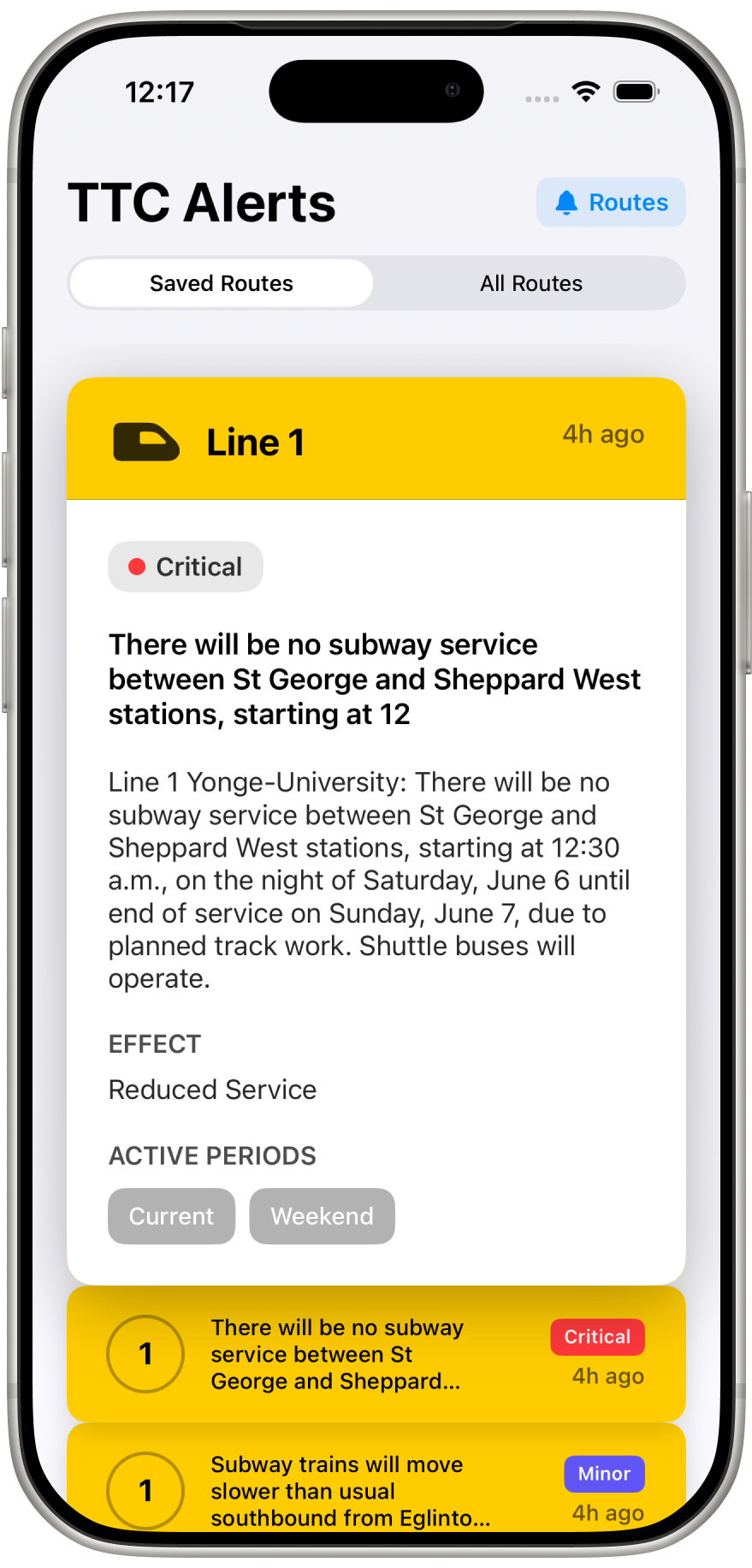
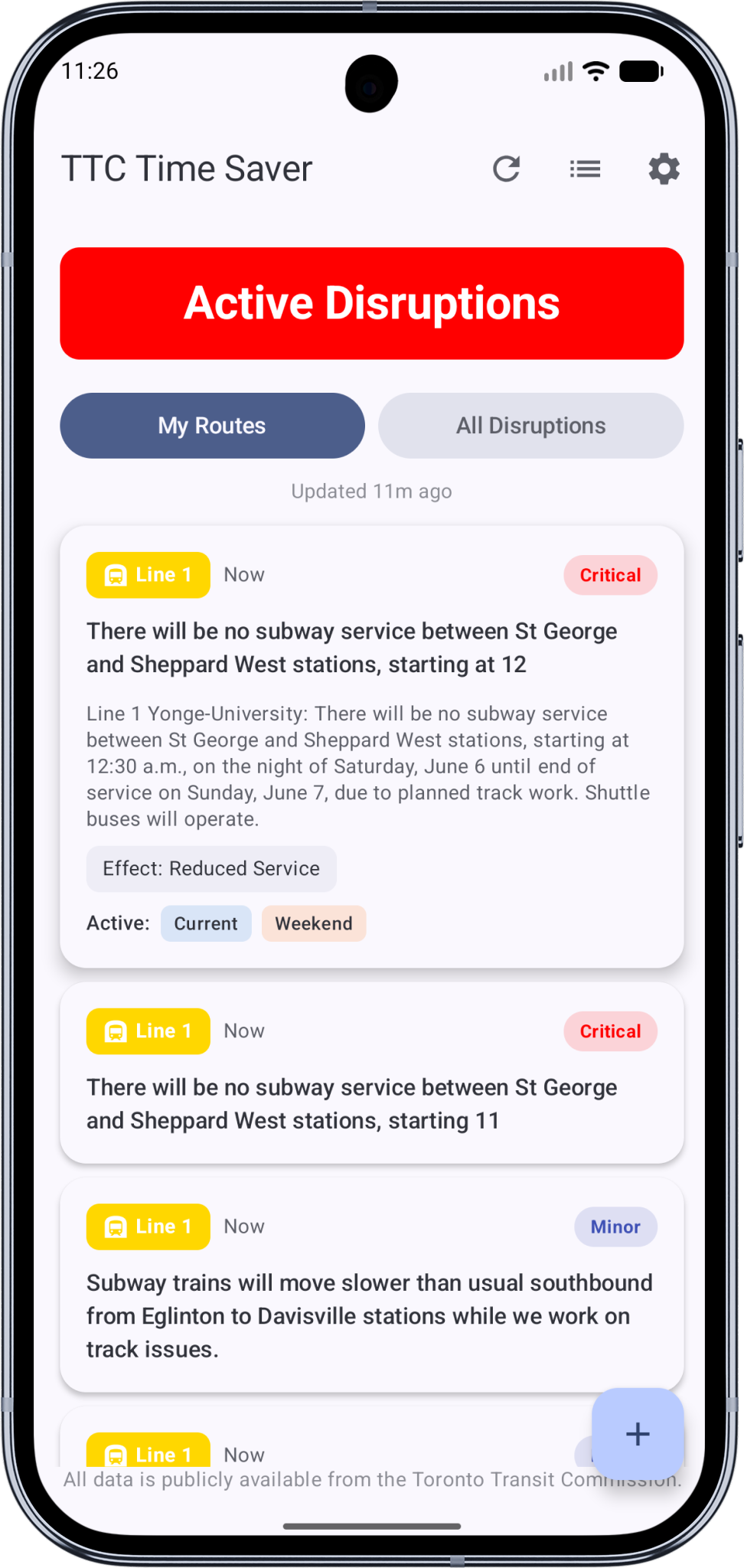
Switch between the routes you’ve saved and every active disruption across the system.
Delays southbound at Sheppard–Yonge station due to a security incident.
No subway service between Jane and Ossington due to planned track work.
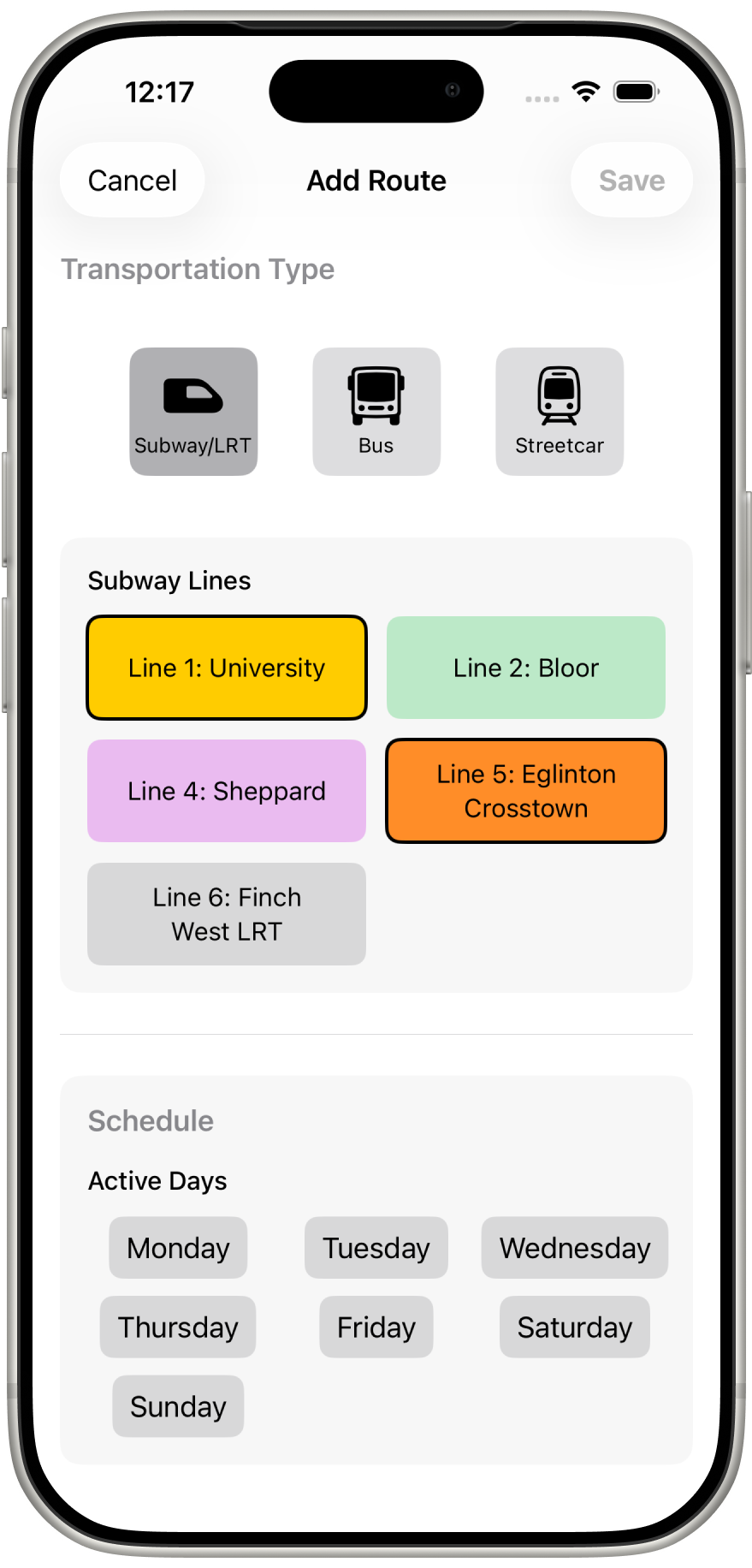
Focus on the routes you rely on instead of sorting through every disruption in Toronto. Save multiple preferences and keep your commute front and centre.
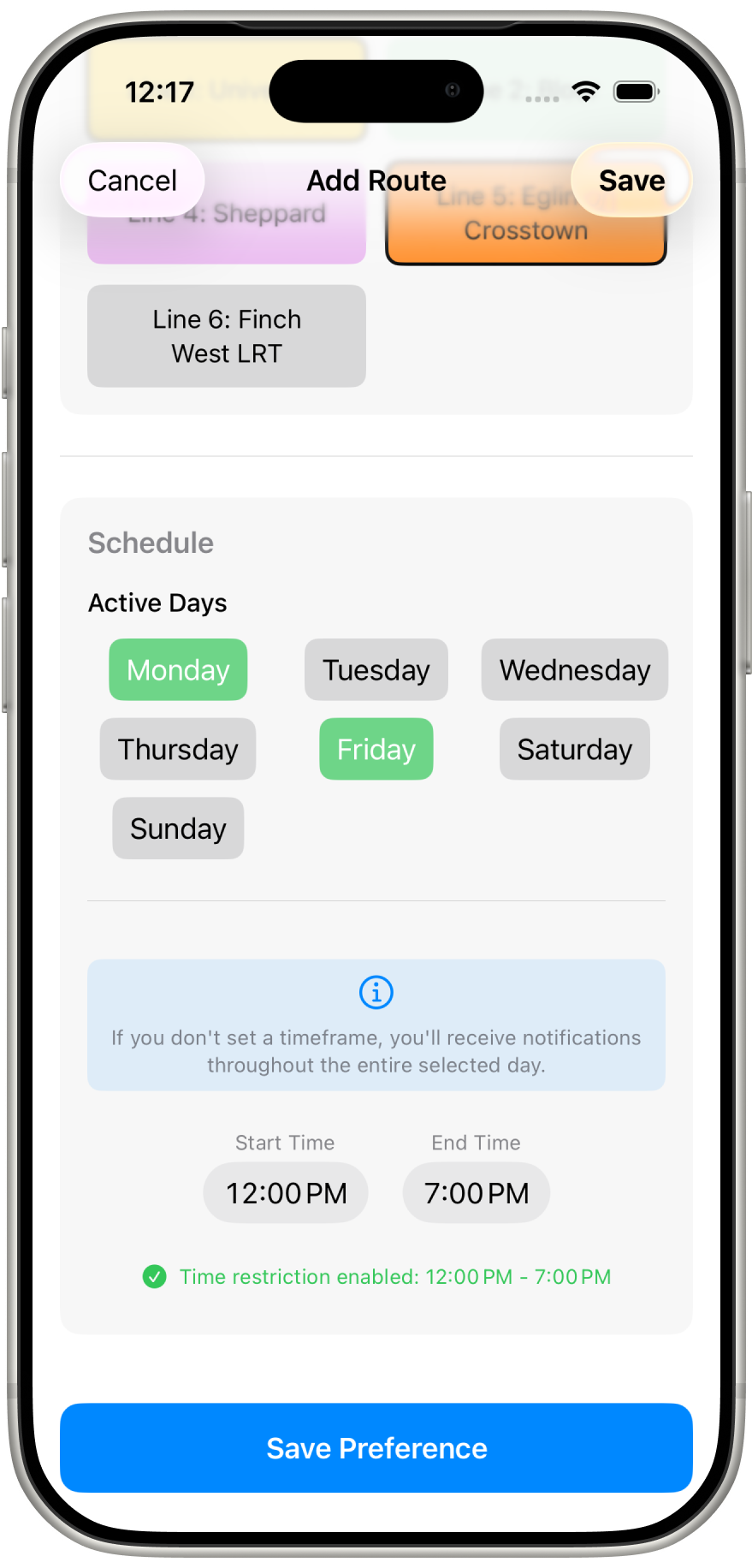
Choose the days you commute. Get the updates that matter during your week without carrying that alert noise into every day.
Switch the dashboard to an interactive subway map. Every station glows green, amber, or red by live severity — pinch to zoom, pan the network, and tap any station to read exactly what’s happening there.
Your saved routes and schedule stay exactly as they are.
Heading out of town or logging off for a stretch? Pause your alerts until a date you pick. Nothing gets deleted — your saved routes and settings pick up right where you left them.
Ask Siri, or glance at your Apple Watch before you leave home.
Ask Siri about your saved routes or the wider network, check disruptions on your Apple Watch, and filter accessibility notices out of the general alert list.